
Best car usb charger with multiple ports fast charge is the kind of accessory you only think about after your phone crawls from 12% to 18% on a long drive, or when two people need power and the car suddenly has “no available ports.” The fix usually isn’t complicated, but choosing the right charger takes a little more than picking the one with the most ports.
This guide breaks down what actually matters: real-world fast-charging speed, how ports share power, which safety features are worth paying for, and how to match a charger to your car and devices. You’ll also get a quick comparison table and a simple checklist to avoid the common “it says fast charge but it’s not” disappointment.
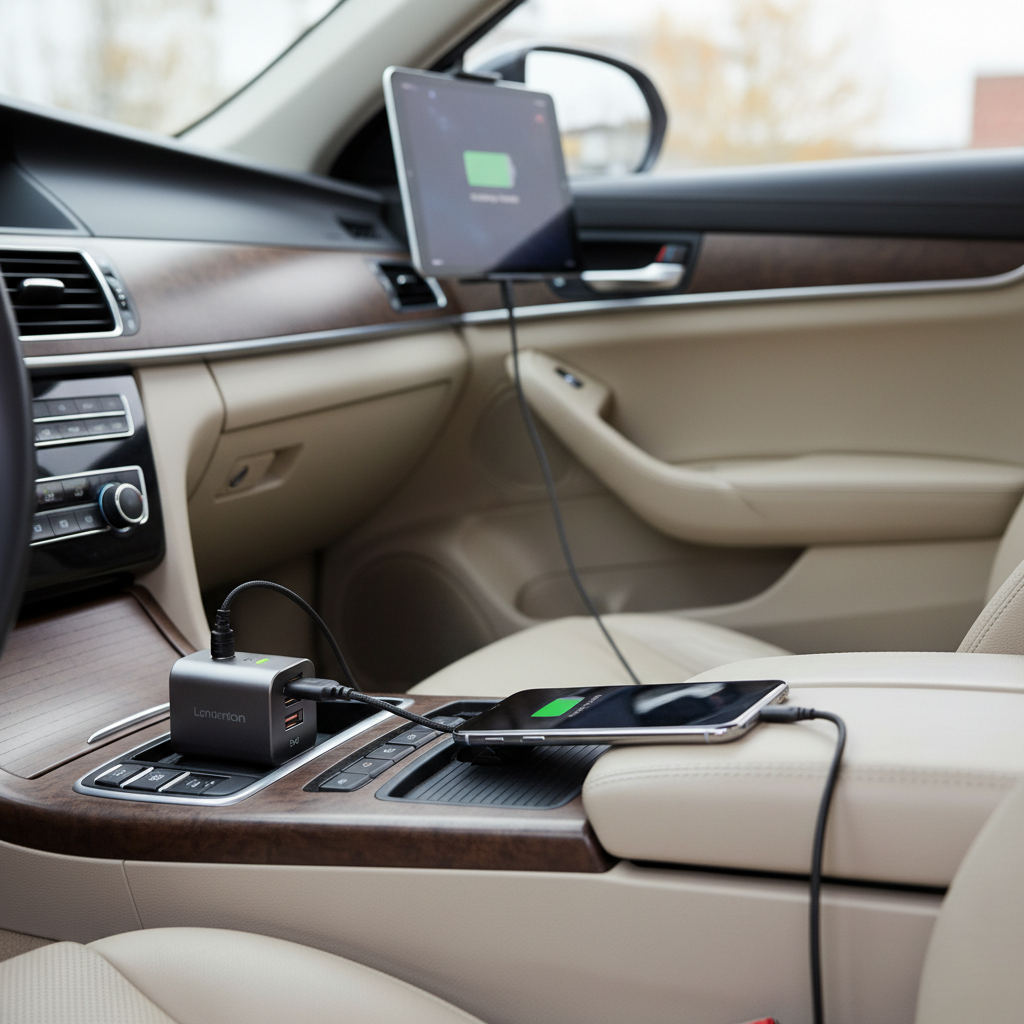
One quick note before we get picky: “fast charge” is a standards game. Your phone, your cable, and the charger have to agree on a charging protocol, and even then your device may slow down on purpose as the battery fills. So the goal is consistent, safe speed, not marketing numbers.
What “fast charge” really means in a car
In a vehicle, fast charging depends on three layers: the USB standard on the charger, the charging protocol your device supports, and the total power the charger can pull from the 12V socket without overheating.
Here are the specs that usually matter most for U.S. drivers shopping for a multi-port option:
- USB-C Power Delivery (PD): Common for iPhone (with USB-C to Lightning on older models) and most modern Android phones, tablets, handheld consoles, and some laptops.
- Qualcomm Quick Charge (QC): Still common on many Android phones and accessories; can coexist with PD depending on the charger.
- Total wattage vs per-port wattage: A charger can advertise “65W” but split it across ports in ways that reduce speed when multiple devices plug in.
According to USB-IF (USB Implementers Forum), USB Power Delivery is designed to negotiate power between source and device. In normal terms, PD helps your phone and charger “agree” on a higher power level safely, instead of guessing.
Why multi-port car chargers feel slow (even when they claim fast charging)
Most complaints about a “fast” charger being slow come from a few predictable scenarios. If you recognize one of these, you’re already close to the fix.
- Power sharing kicks in: Two ports may share one internal power budget, so adding a second device drops the first from, say, 30W to 18W.
- Wrong cable: A thin or older cable may cap charging speed, especially for USB-C PD where cable quality matters more.
- Protocol mismatch: Your phone may want PD, but you’re using a USB-A port that only supports older Quick Charge or basic 5V charging.
- Heat and car conditions: Hot cabins and direct sun can make phones throttle charging to protect the battery, even with a strong charger.
- Vehicle socket limits: Some older 12V sockets or adapters run “loose” and cause unstable power delivery.
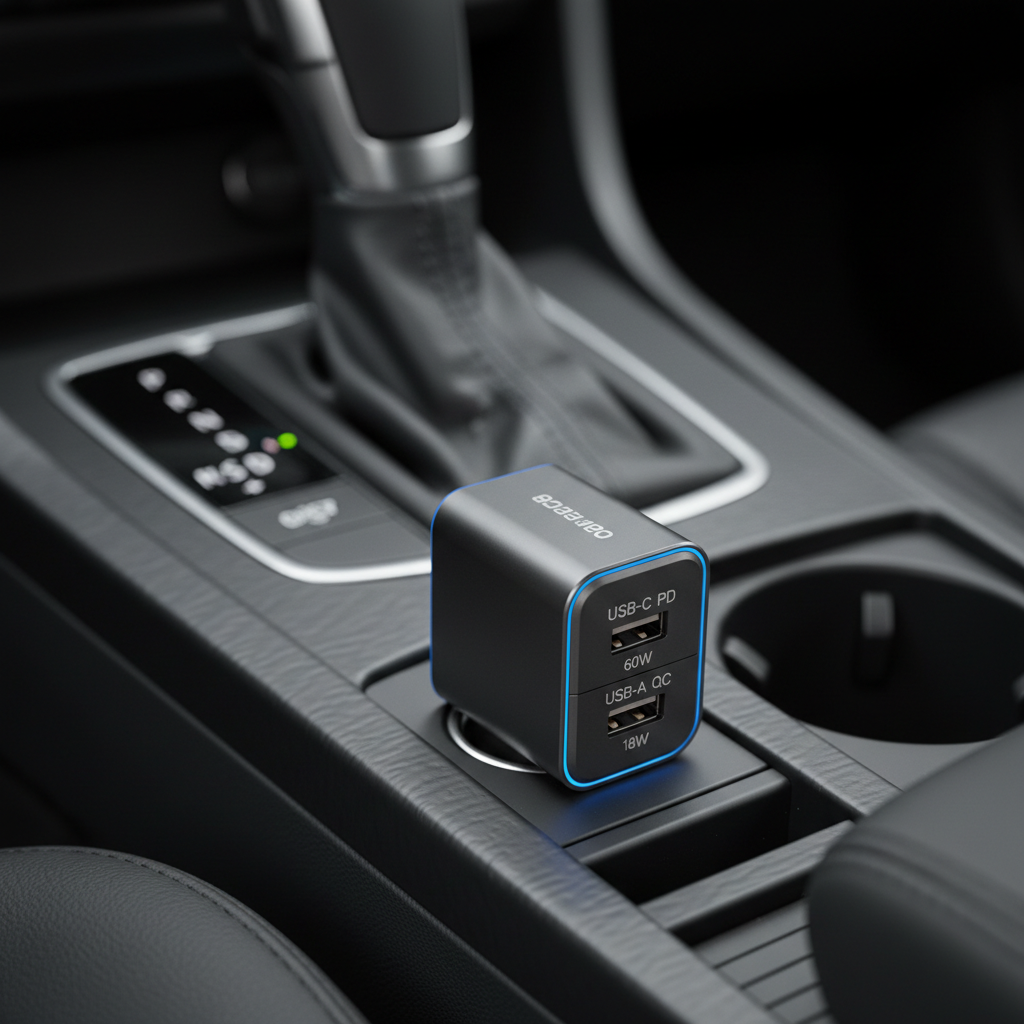
If you’re buying the best car usb charger with multiple ports fast charge for rideshares, family road trips, or commuting with multiple gadgets, the key is not “more ports.” It’s predictable power allocation when all ports are in use.
Quick buying checklist: match ports and watts to your devices
If you only want the short version, use this checklist before you add anything to cart.
- Count your “must-charge” devices: driver phone, passenger phone, tablet, dash cam, handheld console, hotspot.
- Prioritize USB-C PD for modern phones and tablets; keep USB-A only for legacy cables or low-power accessories.
- Look for at least one high-power USB-C port: commonly 30W for phones, 45W for tablets/some laptops, 65W if you realistically need laptop charging.
- Check total output: if you need 30W + 20W at the same time, a “total 50W+” design is a safer bet than a generic 36W unit.
- Confirm protection features: over-current, over-voltage, over-temperature, and short-circuit protection should be stated clearly.
According to NHTSA, driver distraction is a major safety issue. A practical takeaway here is cable management and stable charging: fewer low-battery emergencies and less fiddling mid-drive often means less temptation to handle devices while driving.
Comparison table: what to look for in a fast multi-port car USB charger
Brands and models change fast, so instead of pretending there’s one perfect pick for everyone, here’s a spec-based table you can use to compare options quickly.
| Use case | Recommended port mix | Realistic total output to target | Nice-to-have features | Common mistake |
|---|---|---|---|---|
| Two phones (driver + passenger) | 1× USB-C PD + 1× USB-C/USB-A | 40–60W total | Independent power per port, low-profile body | Buying 2× USB-A “QC” and expecting iPhone PD speed |
| Family trip (2–4 devices) | 2× USB-C PD + 1–2× USB-A | 65–100W total | Visible power indicator, strong plug fit | Ignoring how wattage drops when all ports are used |
| Tablet + phone | 1× USB-C PD (45W) + extra port | 60–90W total | Heat management, certified PD support | Assuming “fast charge” equals “fast for tablets” |
| Light laptop charging (select models) | 1× USB-C PD (65W) + extra ports | 90–130W total | Replaceable fuse, premium thermal design | Expecting full-speed laptop charging from a low-watt port |
How to get faster charging in real life (setup tips that actually help)
Even a good charger can underperform if the setup is working against it. These tweaks are simple, but they’re the difference between “it charges” and “it charges fast.”
Use the right cable, not just any cable
- For USB-C PD, use a USB-C to USB-C cable rated for the wattage you expect (common ratings: 60W or 100W).
- For older iPhones, a USB-C to Lightning cable is usually needed to get PD-style fast charging.
- If a cable feels unusually warm, looks damaged, or fits loosely, replace it. Heat can signal resistance and wasted power.
Choose port priority on purpose
- Put the “needs speed” device on the highest-watt USB-C port (often labeled PD 30W/45W/65W).
- Run low-power gear (earbuds, older phones, GPS units) off USB-A.
- If your charger lists outputs like “USB-C1: 65W, USB-C2: 20W,” believe the fine print, not the headline wattage.
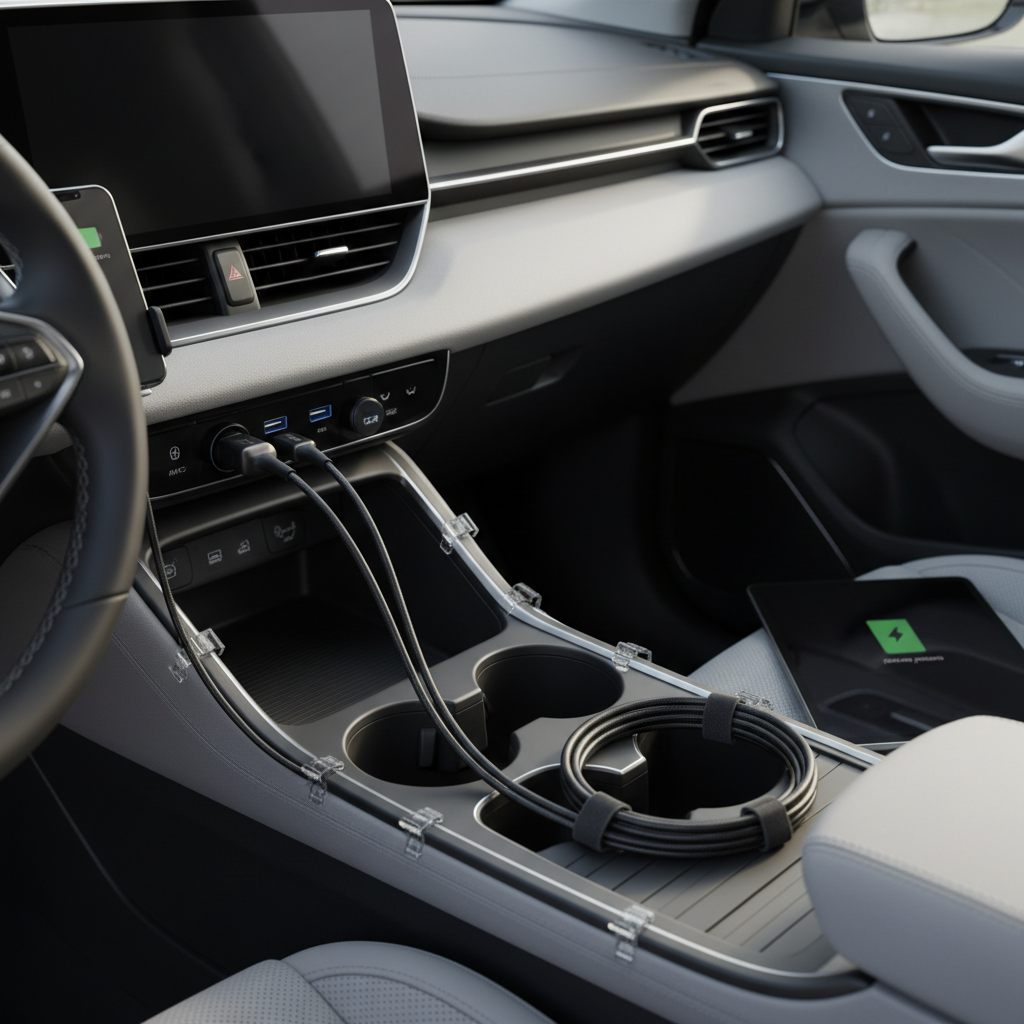
Watch for heat-related throttling
Phones often slow charging when they get hot, and cars get hot fast. If you’re parked in sun, moving the phone out of direct light or using an A/C vent mount can help. If a device repeatedly overheats, it may be worth checking with the device manufacturer or a technician, because battery health and charging behavior vary by model.
Safety and quality: what’s worth paying for
A car charger is a tiny power supply sitting in a vibrating, temperature-swinging environment. Cutting corners can mean unstable charging at best, and at worst, overheated components. You don’t need to panic, but you do want basic signals of build quality.
- Certifications and compliance: look for clear references to UL/ETL listing or equivalent safety compliance where applicable. (Not every accessory will have the same markings, so compare carefully.)
- Replaceable fuse: some higher-end models include fusing that can protect your car’s circuit in fault scenarios.
- Solid plug fit: a stable connection reduces arcing and intermittent charging, especially on rough roads.
- Smart power distribution: chargers that clearly state how power splits across ports are usually easier to live with.
According to NFPA, electrical safety in vehicles and equipment comes down to using properly designed components and avoiding damaged cords. In practical terms, if your charger or cable shows melting, discoloration, or a burnt smell, stop using it and consider a replacement.
Key takeaways (so you can pick quickly)
- Prioritize USB-C PD if you care about modern fast charging, especially for iPhone and newer Android devices.
- Total wattage matters, but port-by-port behavior matters more when multiple devices charge at once.
- Cables are half the system; a bad cable can make the best multi-port charger feel mediocre.
- Heat is real in cars; keep devices cool if you want consistent speed.
Conclusion: choosing the right multi-port fast car charger
If you want the best car usb charger with multiple ports fast charge for your routine, start by mapping your devices to ports and watts, then confirm how the charger splits power when everything is plugged in. That one detail prevents most buyer’s remorse.
Action step: make a quick list of what you charge on a typical drive, then buy a charger with at least one high-watt USB-C PD port and enough total output to cover your “two devices at once” reality, not the ideal scenario.
FAQ
- What wattage should I look for in a fast multi-port car charger?
For two modern phones, many people are happy around 40–60W total with at least one USB-C PD port. If you add tablets or want more headroom, 65–100W total tends to feel less “shared-power” slow. - Why does my phone say it’s charging fast, but the battery still climbs slowly?
Charging indicators don’t always reflect sustained wattage. Heat, high screen brightness, navigation, and poor cables can all reduce net charging, even if the phone briefly negotiates a fast protocol. - Is USB-C always faster than USB-A in a car?
Often, but not automatically. USB-C ports are more likely to support PD and higher wattage, while USB-A can still be quick with QC on compatible devices. The deciding factor is the protocol and per-port output, not the connector shape. - Can a multi-port car charger fast-charge two phones at the same time?
Many can, but it depends on power allocation. Look for specs that state simultaneous outputs, for example “USB-C1 30W + USB-C2 20W,” instead of only listing a single maximum number. - Will a fast car charger damage my battery?
In many cases, phones manage charging to protect battery health, and fast charging slows as the battery fills. Still, frequent heat exposure can be hard on batteries, so keeping devices cooler is a sensible habit. If you have concerns, check your device manufacturer guidance. - Do I need Quick Charge if I already have USB-C PD?
Not always. PD covers a lot of modern devices, but QC can still help older or specific Android models. If your household has a mix, a charger supporting both PD and QC can reduce compatibility headaches. - Why does charging cut out when I hit bumps?
This often points to a loose 12V socket fit or a charger plug that doesn’t seat well. Try another vehicle socket (if available), clean debris carefully, and consider a model with a tighter spring-loaded plug.
If you’re trying to outfit a family car, a work truck, or a rideshare setup and you’d rather not guess, aim for a multi-port charger with clearly stated PD/QC support, transparent power-splitting specs, and a cable set that matches your devices, it’s the most “set it and forget it” path without overbuying.