
how to improve radio reception in car usually comes down to one thing: your antenna and the signal path are getting blocked, damaged, or “noisier” than they should be.
If you’re dealing with static, weak stations, or a signal that drops in the same areas every day, you can often narrow the cause in 10–20 minutes without special tools. The trick is separating normal “signal coverage limits” from a fixable hardware or interference issue.
This guide walks through the most common real-world causes, a quick self-check list, and practical fixes—from cleaning a corroded antenna base to dealing with LED/light-charger interference. I’ll also flag when it’s smarter to let a car audio shop diagnose it.
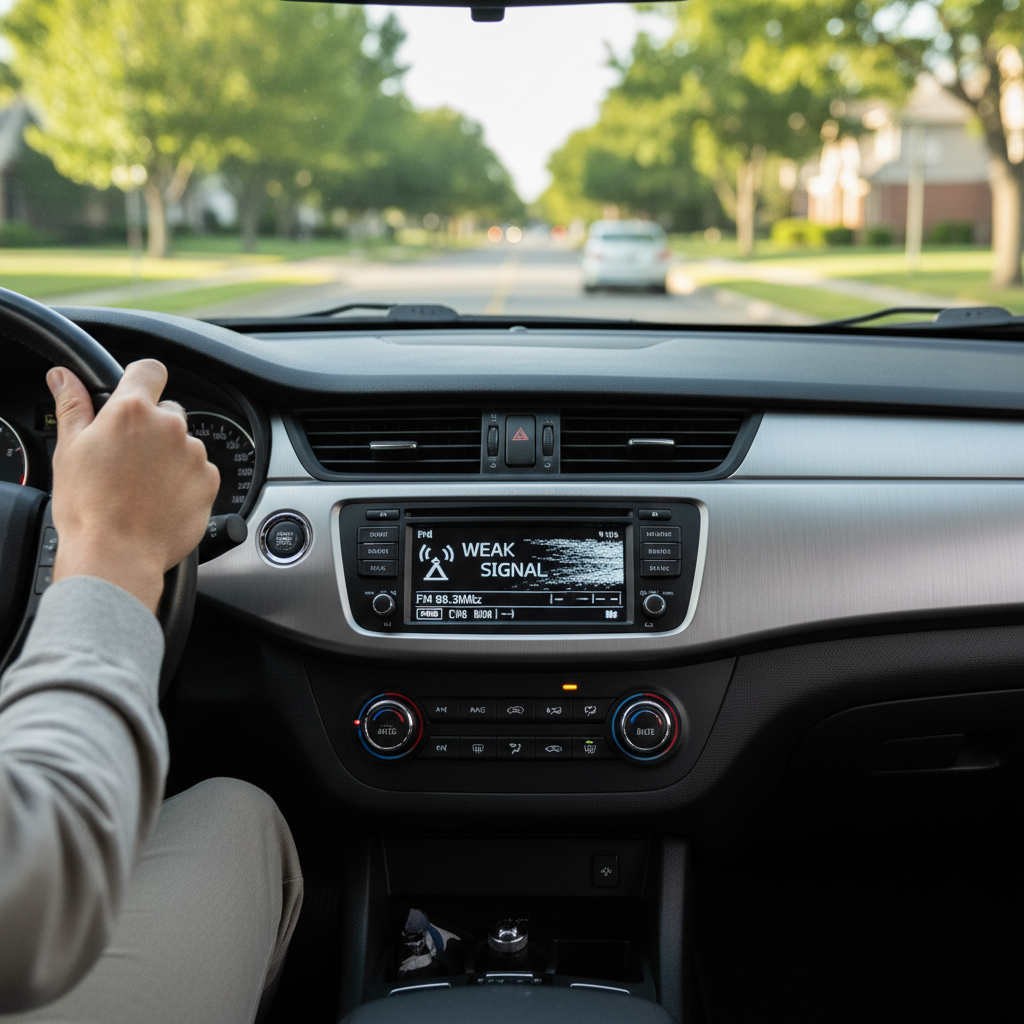
Why car radio reception gets worse (the usual suspects)
Car radio problems feel random, but most cases fall into a few buckets. What matters is whether the issue is coverage-related (location and terrain) or car-related (antenna, wiring, interference).
- Weak coverage or terrain: Hills, dense buildings, and long distance from the transmitter will cause FM “flutter” and AM noise. In these spots, even a perfect antenna won’t work miracles.
- Antenna damage or missing parts: A bent mast, loose shark-fin cover, or snapped whip can drop signal strength fast.
- Corrosion at the antenna base: Water intrusion and road salt can add resistance, which reduces the usable signal.
- Coax cable or connector issues: Pinched cables (often after body work) or a loose connector behind the head unit can cause intermittent reception.
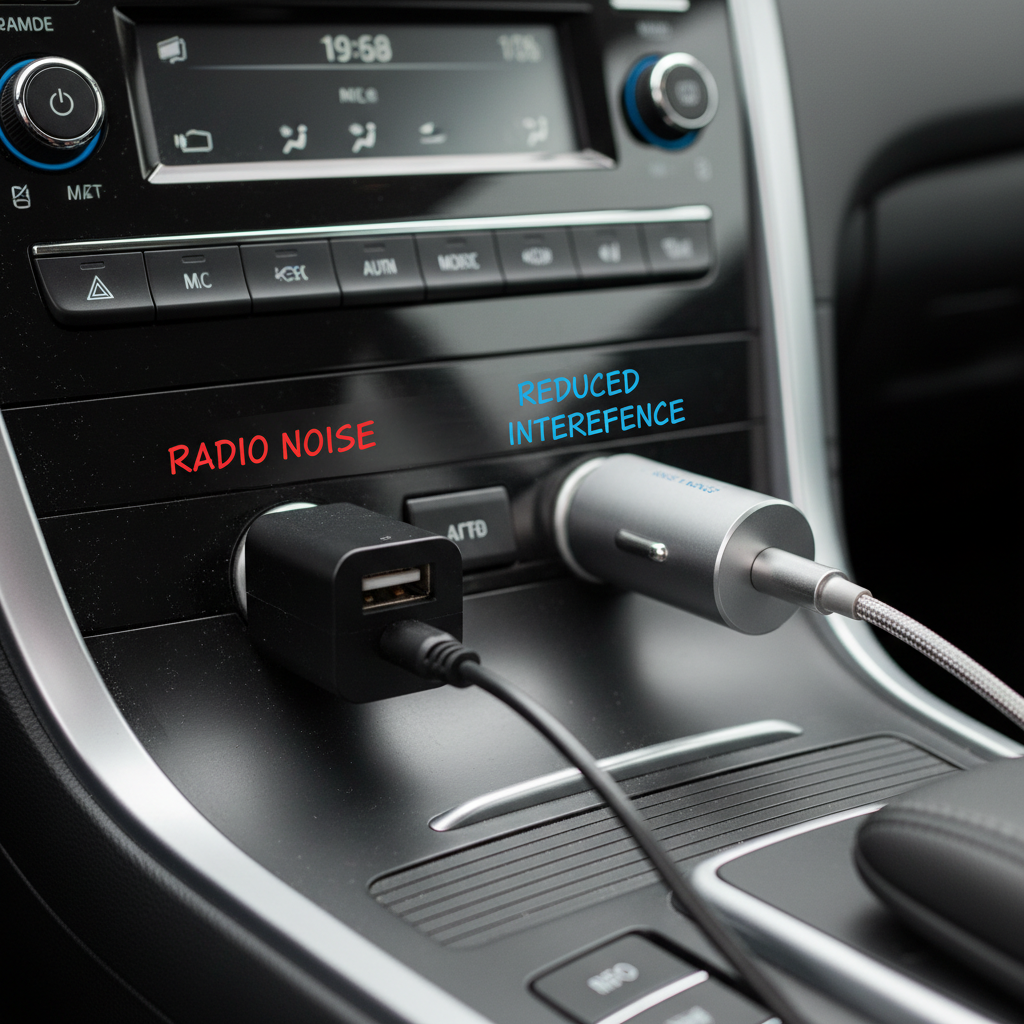
- Electrical interference: Cheap USB chargers, LED bulbs, dash cams, and inverters can inject noise that your radio hears as static or buzzing.
- Amplified antenna module failure: Many modern cars use an antenna amplifier in the base or window antenna system. If it loses power, FM gets noticeably worse.
According to the FCC, AM and FM broadcast reception can be affected by interference from electronic devices and power systems, which is why the “it got worse after I installed X” clue matters more than people think.
Quick self-check: figure out what kind of problem you have
Before buying anything, do a quick diagnosis. You’re looking for patterns, because patterns point to causes.
A 5-minute checklist
- FM vs AM: Is FM bad but AM okay, or both? FM-only issues often point to antenna/amplifier problems; AM is more sensitive to electrical noise.
- Location pattern: Does it fail in the same places every time? That’s often coverage or local interference, not your car.
- Accessory pattern: Does static start when you plug in a phone charger or turn on headlights/defroster?
- Recent changes: New LED headlights, tint, dash cam, remote start, body repair, windshield replacement, or head unit install can all be relevant.
- Physical antenna check: Is the mast loose, missing, or wobbling? Any cracks around the base or shark fin?
If you want a faster “yes/no” test, try the same station in an open parking lot versus near power lines or downtown buildings. Big improvement in open space usually means your radio is fine and the environment is the limiter.
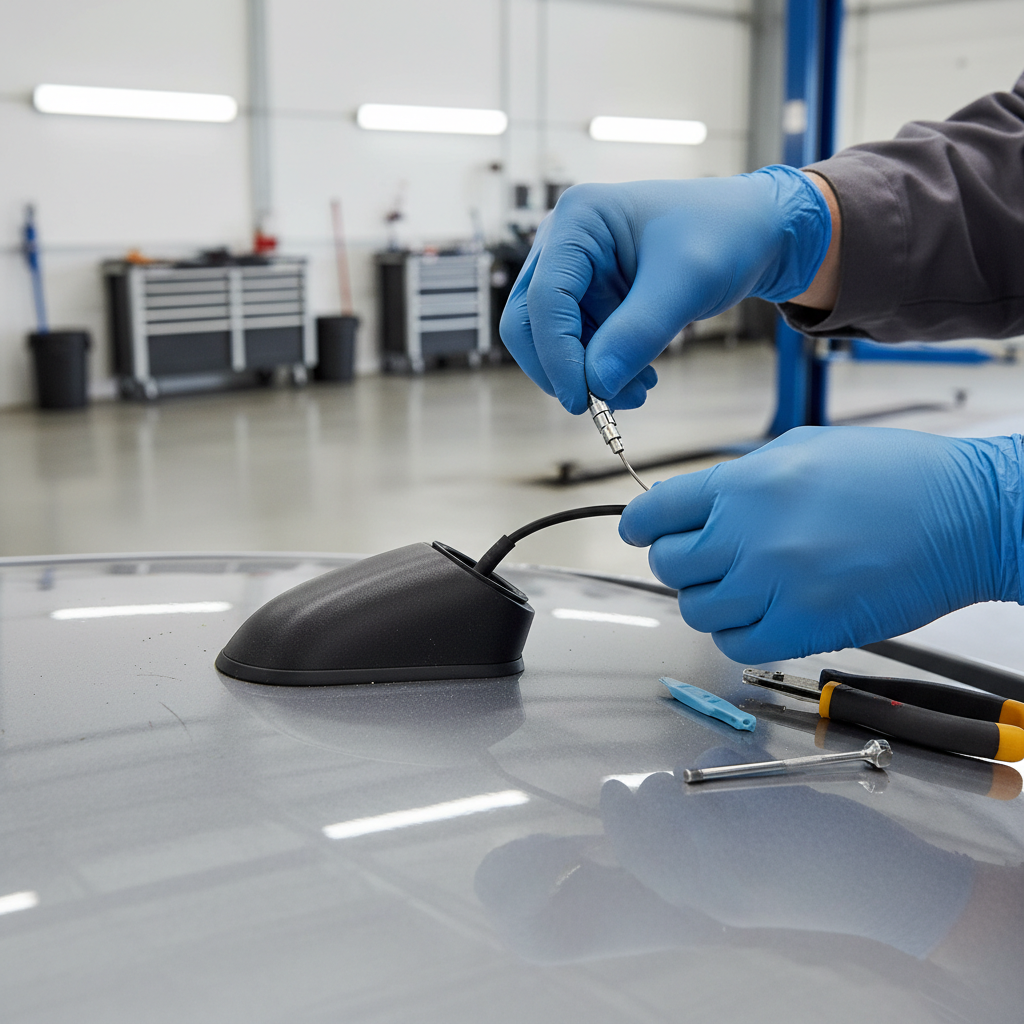
Fast fixes you can do today (no special equipment)
If you’re searching how to improve radio reception in car because the sound is suddenly worse, start with the simple stuff. These fixes are cheap, and they eliminate the most common “unforced errors.”
1) Reseat and tighten the external antenna
- For a screw-on mast, remove it and reinstall snugly by hand. Don’t overtighten; stripped threads create their own problems.
- Look for missing rubber gaskets or a cracked base cover, which can let water in.
2) Clean visible corrosion (carefully)
- If you can access the antenna mount/threads, wipe oxidation off with a microfiber cloth.
- If corrosion is heavy, a small amount of electrical contact cleaner can help. Keep overspray controlled and avoid painted surfaces.
3) Eliminate accessory noise
- Unplug all USB chargers and 12V adapters, then re-test reception.
- Turn off dash cam or inverter temporarily.
- If the noise disappears, replace the culprit with a better-shielded charger or add a noise filter designed for automotive power. Many “bargain” adapters are the issue.
4) Do a head-unit reset (when appropriate)
Some infotainment systems get glitchy after battery events or software updates. If your manufacturer documents a reset procedure, follow it. Don’t do random fuse pulling unless you’re comfortable and the owner’s manual supports it.
Antenna upgrades and replacements: what actually helps
Upgrades can help, but only when they address the real limitation. A short “stubby” antenna often looks nice and performs worse, especially for AM.
Common antenna options (and when to use them)
- OEM-style replacement mast: Good first move if your original is bent, loose, or missing. Usually restores baseline performance.
- Shark-fin replacements: Many are cosmetic covers and rely on internal electronics; quality varies by model. If you’re replacing OEM shark-fin hardware, match the correct part for your vehicle.
- Powered/boosted antennas: Can help when the antenna system needs amplification, but “more gain” also boosts noise if the issue is interference.
- Hidden windshield antennas: Sometimes useful for classic cars or clean installs, but they can be hit-or-miss depending on glass, tint type, and grounding.
Practical rule: if reception dropped after a physical change (antenna swap, body work, roof rack install), reversing that change often beats “adding a booster” on top of a new problem.
Interference and grounding: the stuff people overlook
A lot of “bad radio” complaints are really electrical noise. You’ll recognize it by buzzing, whining, or static that changes with engine RPM or when certain devices turn on.
Where interference commonly comes from
- USB chargers and 12V adapters: Switching power supplies can radiate noise.
- Aftermarket LED headlights or light bars: Some drivers are noisy; the noise can couple into the antenna system.
- Dash cams, radar detectors, GPS trackers: Not always, but enough that it’s worth testing.
- Amplifiers and DSP installs: Grounding and routing mistakes can make AM/FM miserable.
What to try (in a sensible order)
- Test with accessories unplugged, then add them back one at a time.
- Move the charger to a different power outlet if your car has more than one; sometimes wiring routes differ.
- If you installed LED lighting, try temporarily reinstalling the original bulbs to confirm the diagnosis.
- For audio installs, confirm clean grounds and keep power wiring separated from signal wiring. If that sentence feels fuzzy, a shop can save you hours.
According to the National Highway Traffic Safety Administration (NHTSA), drivers should minimize distractions and keep attention on the road, so do interference testing while parked or have a passenger help.
Troubleshooting table: symptom to likely cause to fix
If you want the shortest path, use this table as a decision aid. It’s not perfect, but it avoids guesswork.
| What you notice | Likely cause | What to try |
|---|---|---|
| Reception suddenly worse after car wash or heavy rain | Water at antenna base / corrosion | Inspect base, dry/clean connections, replace gasket or base if needed |
| FM weak everywhere, AM also worse than before | Antenna connection/cable issue | Check mast tightness, inspect coax at head unit, look for pinched cable |
| Buzzing that changes with engine RPM | Alternator/ground noise or accessory interference | Unplug accessories, verify grounds, consider noise filter |
| Static appears only when phone charger is plugged in | Noisy charger | Replace charger with higher-quality unit, try different outlet |
| Signal drops in the same spots every day | Coverage limits or local interference | Test other stations, use streaming as backup, accept dead zones |
| Aftermarket head unit install caused weak reception | Antenna adapter/amp power not connected | Confirm correct adapter and that antenna amp gets 12V (if required) |
When it’s time for a pro (and what to ask for)
Sometimes the “DIY ceiling” is real. If your car uses an amplified antenna system, has a window-integrated antenna, or you suspect a damaged coax run, diagnosis gets more technical quickly.
- Go to a shop if: reception is poor across most stations in all locations, the antenna base is leaking, or you’ve had recent collision/body work and symptoms started right after.
- Ask them to check: antenna amplifier power feed, coax continuity, connector seating behind the head unit, and ground integrity.
- Expect variability: some vehicles hide antenna modules in pillars, headliners, or rear glass. Labor can differ a lot by model.
If you’re also seeing other electrical oddities (flickering lights, repeated battery issues), it may be worth having a qualified mechanic inspect the charging system; that kind of fault can overlap with radio noise.
Key takeaways and a practical next step
how to improve radio reception in car is usually easier when you treat it like a simple diagnosis, not a shopping problem. Check the antenna hardware, remove accessory interference, then decide if an upgrade is actually justified.
- Start simple: tighten/inspect the antenna and eliminate noisy chargers.
- Use patterns: location-specific drops often mean coverage limits, not a broken radio.
- Upgrade with intent: OEM-style replacements tend to restore performance better than random “stubby” swaps.
If you want an easy action today, unplug every accessory, test two FM stations and one AM station in an open area, then plug devices back in one at a time. That one routine solves a surprising number of cases without spending money.
FAQ
- Does a radio antenna booster really work in a car?
It can help if your antenna system needs amplification or the factory amp lost power, but it won’t fix interference or a damaged coax cable. If static comes from a charger or LEDs, boosting often makes the noise louder too. - Why is my FM reception worse than AM?
Many people see the opposite, so FM-only problems often point to an antenna amplifier issue, a poor connection, or an antenna design change. Also, FM can “quiet” and then suddenly drop, which feels like a bigger failure. - Do “stubby” antennas reduce reception?
In many cases, yes—especially for AM. If you care about fringe-area stations, an OEM-length mast usually performs better than a short cosmetic antenna. - Can LED headlights cause radio static?
They can, depending on the driver electronics and how well they’re shielded. If reception got worse right after an LED swap, revert temporarily to confirm before chasing other fixes. - My reception got worse after installing an aftermarket head unit—what’s the likely issue?
Common culprits include the wrong antenna adapter, a loose connector, or forgetting to power the vehicle’s antenna amplifier. A shop can usually verify this quickly with the correct wiring diagram. - Is poor radio reception a sign my battery or alternator is failing?
Sometimes, but not always. Alternator noise tends to change with RPM and can show up as whining or buzzing. If you also notice dimming lights or battery warnings, have a professional check the charging system.
If you’re stuck in the loop of swapping antennas and still hearing static, you may want a car audio shop to test the antenna line and amplifier power feed, it’s a more “one-and-done” way to confirm what’s actually wrong before you buy more parts.